Meta · Facebook & Instagram
Facebook Ads creative variations: a practical testing guide
If you spend on Meta, you already know a single static or video rarely carries an account for long. You need creative variations — not random uploads, but controlled differences you can explain in a report. This guide is written for media buyers and performance marketers who want a cleaner testing habit around Facebook and Instagram ads.
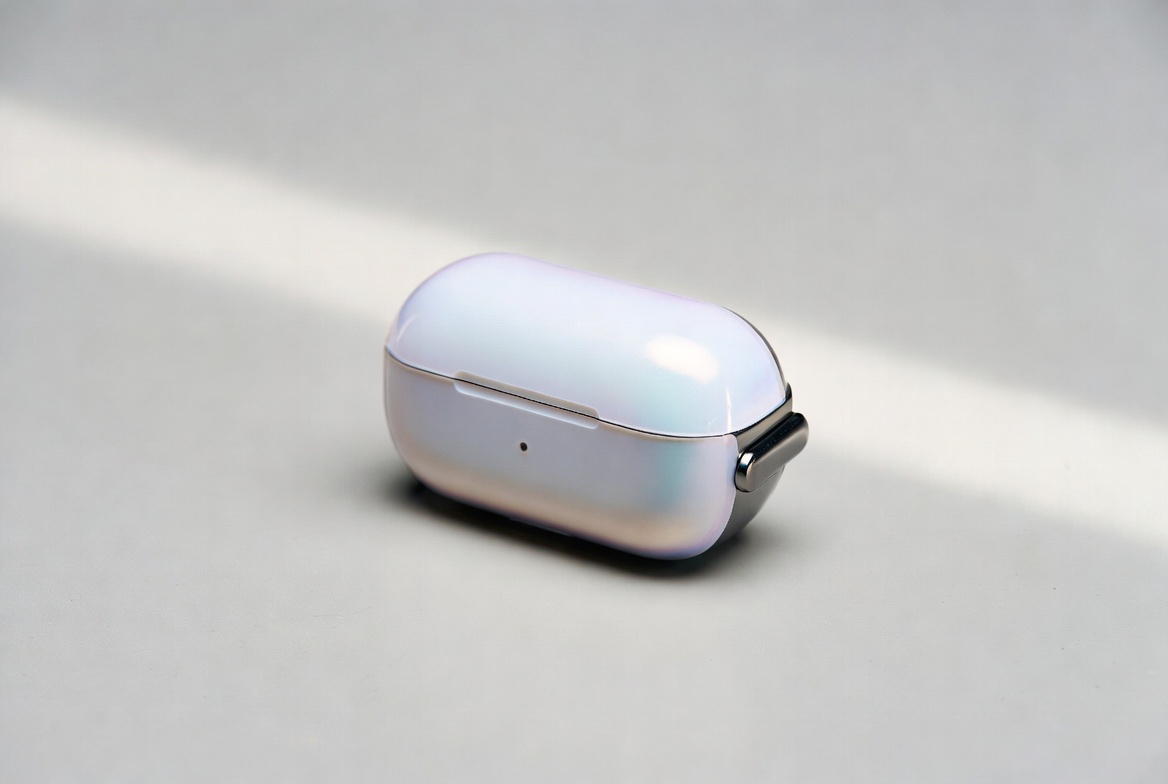
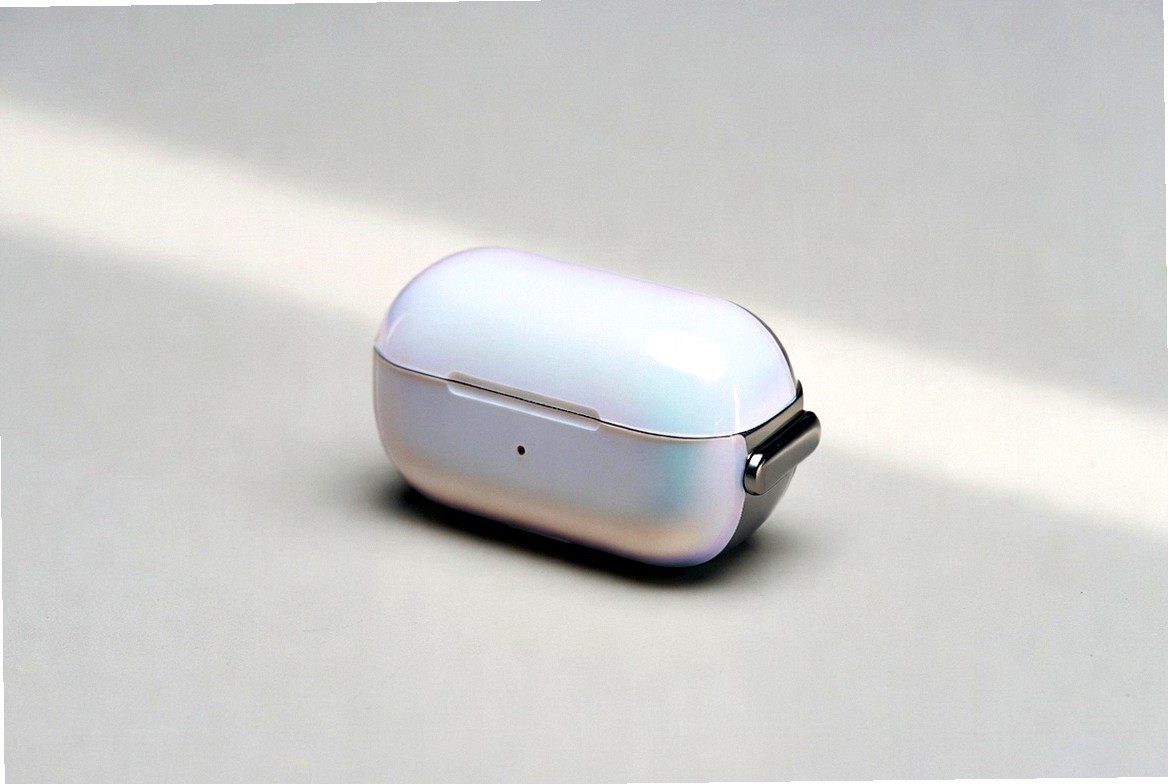
Illustrative only. Strength depends on level, preset and noise in the app.
What “variation” should mean in your team
In casual chat, “variation” means anything that is not the original file. In a serious account, a variation has a reason. Either you are testing a new message, a new visual idea, or you are packaging the same approved idea into multiple files for parallel tests, rebuilds, or regions. If nobody can say why version seven exists, it should not exist.
That discipline matters because Meta’s reporting and your own sheets only answer questions you designed. Muddy creative libraries produce muddy conclusions: was it the audience, the bid, the offer, or the fact that three people uploaded three different exports of “the same” ad?
Three layers: message, design, file
Split every creative decision into layers so ownership is clear.
Message layer — the promise, the hook in text, the objection you handle. Changing “free shipping” to “30-day returns” is a message test. Copywriters and media leads own this.
Design layer — composition, motion, on-screen captions, product framing. A new first three seconds of video is a design test. Editors own this.
File layer — the binary that lands in Ads Manager: crop, color grade, grain, length, loudness, container. Once message and design are approved, you may still need several near-looking files for logistics. This is where batch uniqueization helps: micro-crop, mild color, light noise, optional mirror, small speed changes on video.
Confusing the file layer with the message layer is a common mistake. A one-percent crop will not invent a new value proposition. It will, however, give you a distinct asset to assign to a specific ad set without reopening the edit suite.
A weekly workflow that scales past two people
- Pick one concept worth testing this week — not twelve half-ideas.
- Approve one master image or video that already meets quality bars (sharp product, readable text, stable audio).
- Decide the hypothesis in one sentence: “Hook A beats hook B on prospecting.”
- Build only the message/design versions required by that hypothesis.
- Generate a small file pack (3–5 technical variants) when you need parallel uploads or successive iterations.
- Name files on purpose —
shoe_offerX_hookA_v01, notfinal_FINAL2.mp4. - Map file → ad → audience → date in a sheet shared with the team.
- Review on a fixed day; archive losers; brief the next master from winners.
This sounds process-heavy until you compare it with a Slack thread of undocumented exports. Process is cheaper than confusion.
How many variants is “enough”?
For a single concept, three to five technical file variants are usually enough to start. Jumping to thirty near-duplicates creates storage noise and report noise. Increase volume only when naming, tracking, and review cadence are already reliable. Cap uploads within platform and tool limits; many pipelines, including Uniqueizer Pro, work best under roughly 100 MB per file.
Compliance is not optional
Meta enforces advertising policies on claims, landing pages, restricted verticals, and creative presentation. A testing workflow does not override those rules. Write honest copy, match the landing experience, and treat unique file packaging as operational hygiene — not as a claim about review outcomes.
Where Uniqueizer Pro fits
 UniqueizerPro targets the file layer: batch photo and MP4 variants with levels, presets, noise control, and optional horizontal flip. Use it after the concept is approved, when you need volume without another full edit cycle.
If you remember one line from this guide: variations should answer a question. Files that do not answer a question only fill folders.
Try batch uniqueization
Uniqueizer Pro creates photo and video variants for ad testing — crop, color, noise, speed. Free plan available.
Open Uniqueizer Pro