 UniqueizerPRO
Removing the background from ad photos: when it helps and how to do it without a designer
A product on a clean background reads in a split second: nothing distracts from the item, and the same photo fits a catalog, a banner and a feed ad. Removing the background by hand takes a designer and time. Here is when a cutout really helps an ad, which background to choose instead and how to get several test variants from one photo.
Cut out the background when the product itself sells: catalog shots, banners, carousels, a brand-color background. Keep the scene when context sells — lifestyle and UGC. For the ad itself choose a solid background (white or a brand color); keep transparent PNG for layouts and further editing.
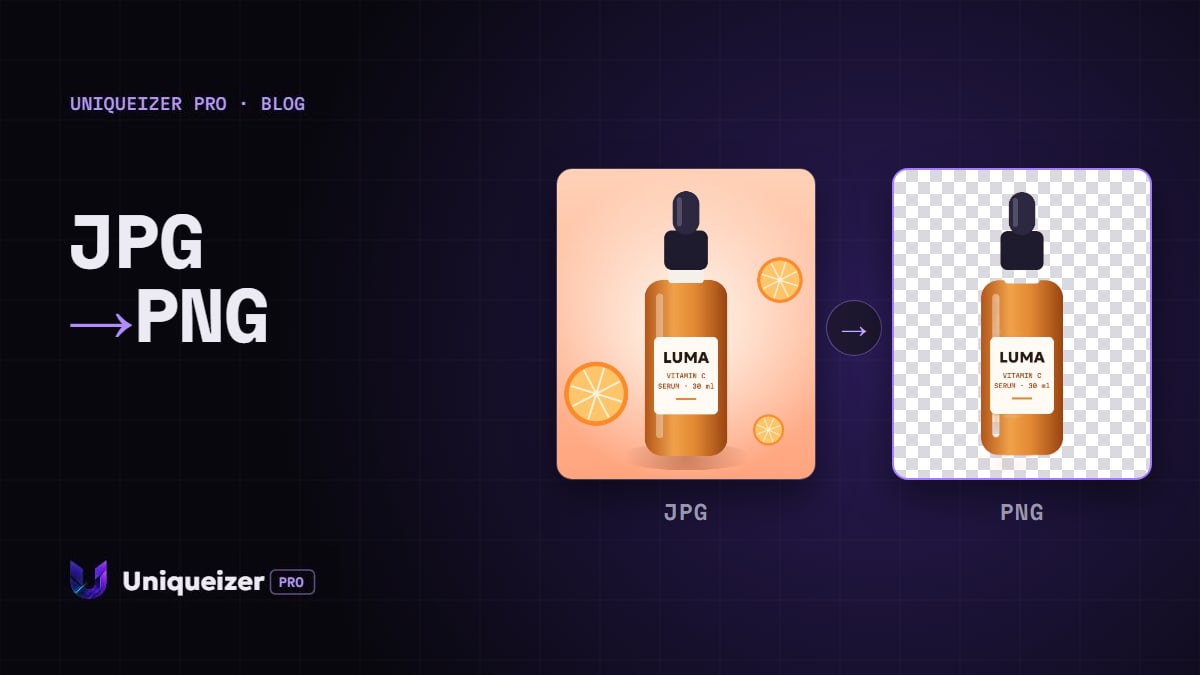
When a cutout helps the ad
- Product shots. A messy desk, a reflection or a random room steal attention from the item. On a plain background only the product is left.
- One look across a set. Photos taken at different times and places look like one series once they sit on the same background.
- Brand color. A product on your color stands out in the feed better than one more photo of a white table.
- New layouts. A cut-out product can be placed into a banner, a carousel card or next to a price without retaking the photo.
When not to: lifestyle and UGC photos, where the setting tells the story — a person using the product, a kitchen, a street. Remove the background there and you remove the reason the ad works.
Which background to put instead
| Background | Good for | File |
|---|---|---|
| Transparent | layouts, banners, further editing | PNG |
| White | catalogs and marketplaces (Amazon, for example, requires pure white for the main image) | JPG |
| Brand color | feed ads where you need to stand out | JPG |
An ad platform shows an image as a rectangle anyway, so for the ad itself a solid background is the safe choice. Not sure which color works? Test two or three as separate variants instead of guessing.
What automatic cutout handles well, and where it slips
Automatic removal is done by a neural network: it finds the main subject in the frame and makes the rest transparent. It works best on a product, a person or a character that clearly stands out from the background.
- Fine hair and fur — usually fine, but check the edges at 100% zoom.
- Glass and transparent packaging — the background shows through them, so the model may cut part of the object.
- A product that blends into the background — a white mug on a white table: give it a contrasting shot.
- A finished banner with text — the model decides what the subject is and may keep or drop the captions. Upload the original photo, not the finished layout.
How to do it in Uniqueizer Pro
- Upload the photo — the original, as sharp as you have.
- Turn on “Remove background” and choose the new one: transparent, white or any color.
- Set the variants and formats. Up to 10 files from one photo, 9:16, 1:1 and 16:9 in one run — see one source, three placements.
- Download the files. Transparent comes as PNG, any other background as JPG; each variant has its own crop, color and noise, so they are separate files for tests.
The subject is cut out once, and the variants are made from it. One photo counts as one file of your limit, however many variants you take. The cutout is done on our own server — the photo isn't sent to third-party services.
Common mistakes
- Cutting out a lifestyle shot. The setting was the point of the ad.
- A small or blurry original. Edges come out jagged; upload the largest version.
- One background for the whole test. Color is a hypothesis too — try two or three.
- Same file names. A week later nobody knows which background won; see file naming for Ads Manager.
A new background doesn't change what the ad says, and it doesn't help bypass moderation: the ad must follow the platform's rules, and you need the rights to the photo and to any brand marks in it.
Questions people ask
Does background removal work for video?
No, for photos only. If you upload video together with photos, the videos are processed as usual.
How much does it cost?
The same as any photo: one uploaded photo is one file of the limit. Free gives 5 files a month, Solo — 100 a day.
Which format will I get?
Transparent background — PNG, because JPG can't store transparency. White or a color — JPG.
Is my photo sent anywhere?
No. The background is removed by a model on our own server, without outside services.
What if the edges come out wrong?
Try a sharper or larger original with more contrast between the product and the background. Glass and objects that blend into the background are the hardest cases.